Compression
The Need For Compression
The Need For Compression
What is compression?
Compression is reducing the size of a file so that it takes up less space on secondary storage
The impact of compression is:
Less storage space required
Less bandwidth required
Shorter transmission time
Compression can be achieved using two methods, lossy and lossless
Lossy Compression
Lossy Compression
What is lossy compression?
Lossy compression is when data is lost in order to reduce the size on secondary storage
Lossy compression is irreversible
Lossy can greatly reduce the size of a file but at the expense of losing quality
Lossy is only suitable for data where reducing quality is acceptable, for example images, video and sound
In photographs, lossy compression will try to group similar colours together, reducing the amount of colours in the image without compromising the overall quality of the image
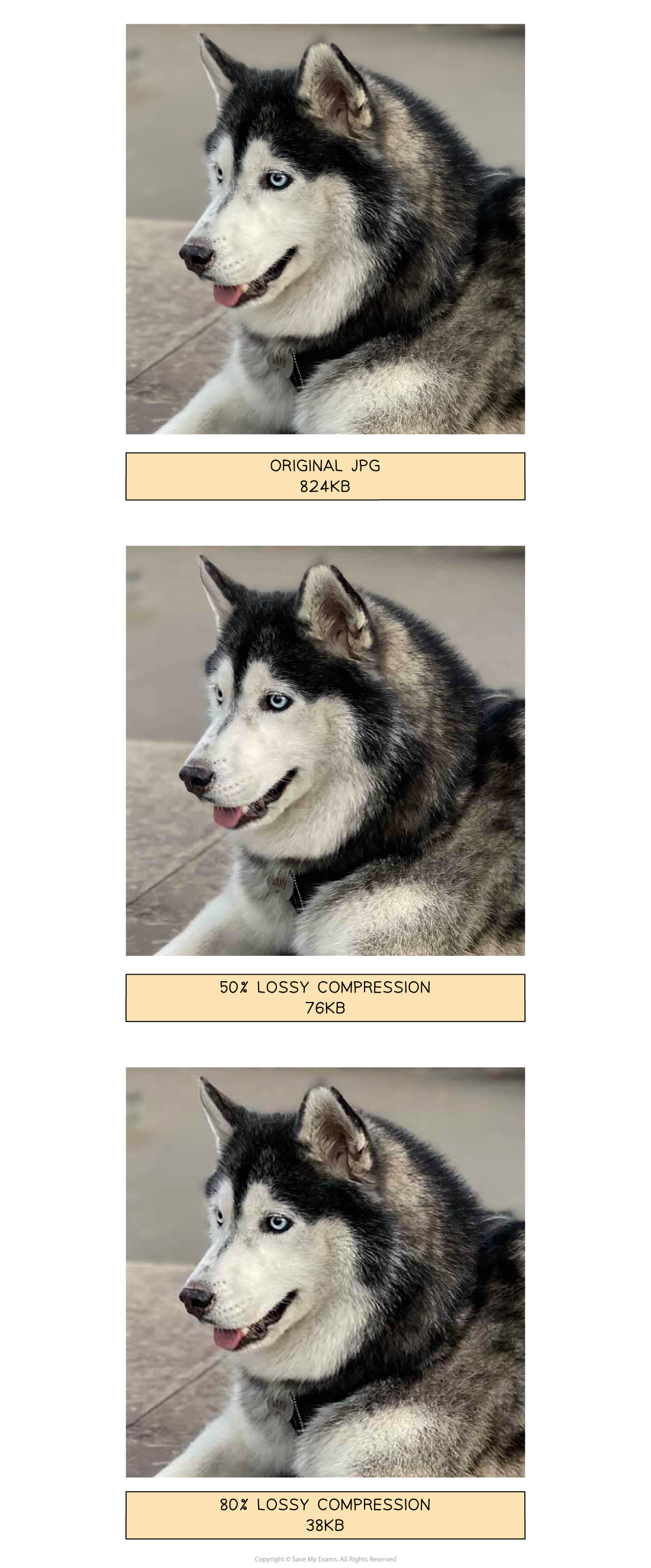
In the images above, lossy compression is applied to a photograph and dramatically reduces the file size
Data has been removed and the overall quality has been reduced, however it is acceptable as it is difficult to visually see a difference
Lossy compressed photographs take up less storage space which means you can store more and they are quicker to share across a network
Lossless Compression
Lossless Compression
What is lossless compression?
Lossless compression is when data is encoded in order to reduce the size on secondary storage
Lossless compression is reversible, the file can be returned to its original state
Lossless can reduce the size of a file but not as dramatically as lossy
Lossless can be used on all data but is more suitable for data where a loss in quality is unacceptable, for example documents
In a document, lossless compression algorithms such as run length encoding (RLE) can be used to analyse the contents looking for patterns and repetition.
What is run length encoding?
Run length encoding (RLE) is a form of lossless data compression that condenses identical elements into a single value with a count
For a text file, "AAAABBBCCDAA" is compressed to "4A3B2C1D2A"
The string has four 'A's, followed by three 'B's, two 'C's, one 'D', and two 'A's
RLE is used in bitmap images to compress sequences of the same colour
For example, a line in an image with 5 red pixels followed by 3 blue pixels could be represented as "5R3B"
Lossless file formats
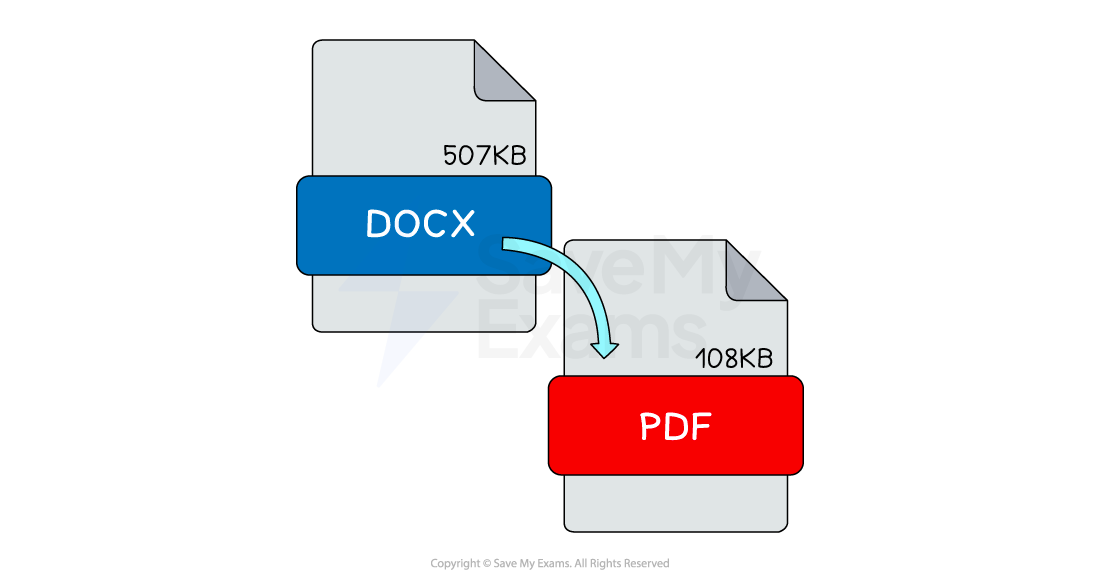
In the image above, lossless compression is automatically applied to document formats such as DOCX and PDF with a different rate of success
When you open a lossless compressed document the decompression process reverses the algorithms and returns the data back to its original state
Lossless compressed documents take up less storage space which means you can store more and they are quicker to share across a network