Cloud Storage
Cloud Storage
Cloud Storage
What is cloud storage?
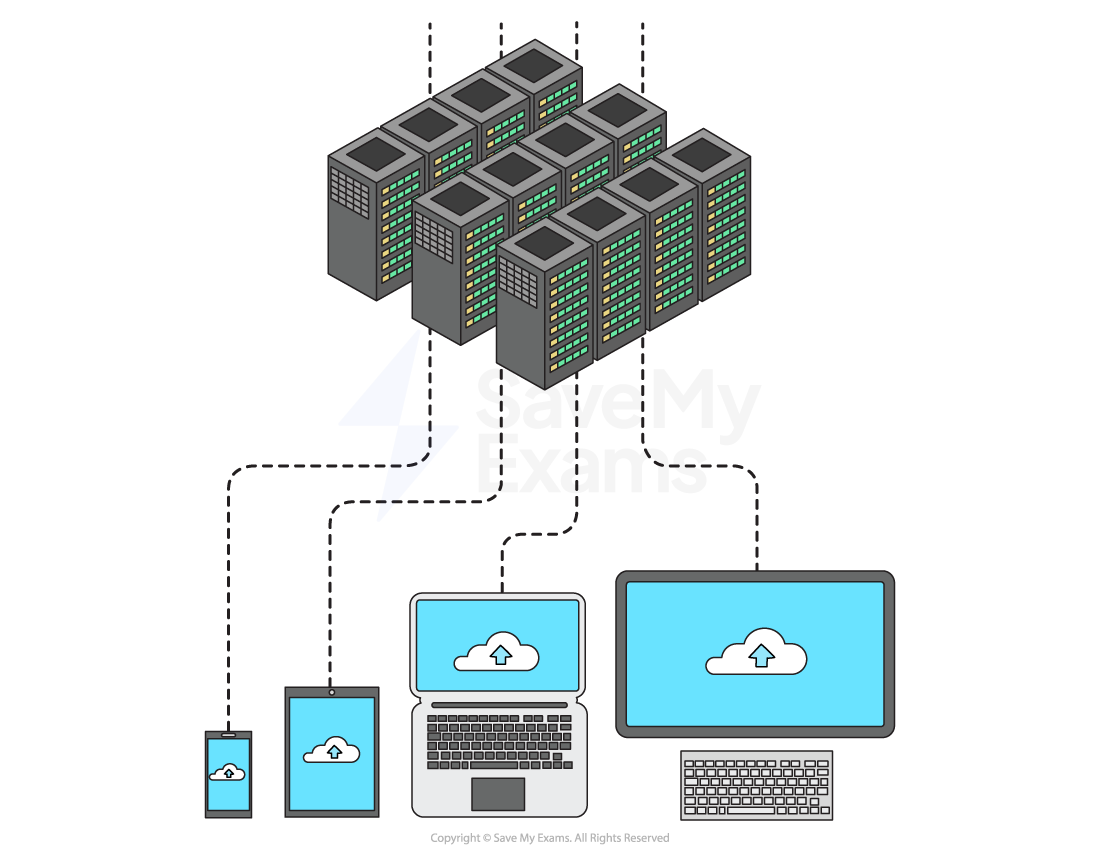
Cloud storage is a term to describe long-term (secondary) storage of data that resides in a remote location, accessible only via a wide area network (Internet)
Data is stored on remote servers, typically using magnetic storage (HDD), but increasingly using solid state (SSD)
Advantages | Disadvantages |
|---|---|
Reliability - Access data anywhere, any time, from any device | Cost - Typically a monthly/yearly subscription plan |
Security - Automatic backups | Availability - No access without an internet connection |
Capacity - Endless storage space (cost permitting), uses less space on own device |
|
Collaboration - Multiple people can access the same file at the same time |
|
Advantages of Cloud Storage
Advantages of Cloud Storage
Cloud storage offers several advantages over storing data on a local secondary storage device
Benefit | Explanation |
|---|---|
Accessibility |
|
Scalability |
|
Reliability |
|
Security |
|
You also do not need to purchase local secondary storage devices
One cloud storage centre is more environmentally friendly than millions of individual servers
There are some drawbacks to using cloud storage
If the user has a slow or unreliable internet connection they would have problems accessing their files
If you are storing a lot of data it can be expensive
You have to pay the cloud storage provider
You may need to commit to an annual subscription
You may have to pay for high download and upload data transfer limits
Data being sent over the internet has the potential to be intercepted
Security is managed by the cloud storage provider which means the user does not have complete control over it but is still legally responsible for ensuring any personal and sensitive data is secure