Keeping Data Safe
Access Levels
Access Levels
What are access levels?
Access levels ensure users of a network can access what they need to access and do not have access to information/resources they shouldn't
Users can have designated roles on a network
Access levels can be set based on a user's role, responsibility, or clearance level
Full access - this allows the user to open, create, edit & delete files
Read-only access - this only allows the user to open files without editing or deleting
No access - this hides the file from the user
Some examples of different levels of access to a school network could include:
Administrators: Unrestricted - Can access all areas of the network
Teaching Staff: Partially restricted - Can access all student data but cannot access other staff members' data
Students: Restricted - Can only access their own data and files
Users and groups of users can be given specific file permissions
Anti Malware
Anti Malware
What is anti-malware software?
Anti-malware software is a term used to describe a combination of different software to prevent computers from being susceptible to viruses and other malicious software
The different software anti-malware includes are
Anti-virus
Anti-spam
Anti-spyware
How does anti-malware work?
Anti-malware scans through email attachments, websites and downloaded files to search for issues
Anti-malware software has a list of known malware signatures to block immediately if they try to access your device in any way
Anti-malware will also perform checks for updates to ensure the database of known issues is up to date
Authentication
Authentication
What is authentication?
Authentication is the process of ensuring that a system is secure by asking the user to complete tasks to prove they are an authorised user of the system
Authentication is done because bots can submit data in online forms
Authentication can be done in several ways, these include
Usernames and passwords
Multi-factor authentication
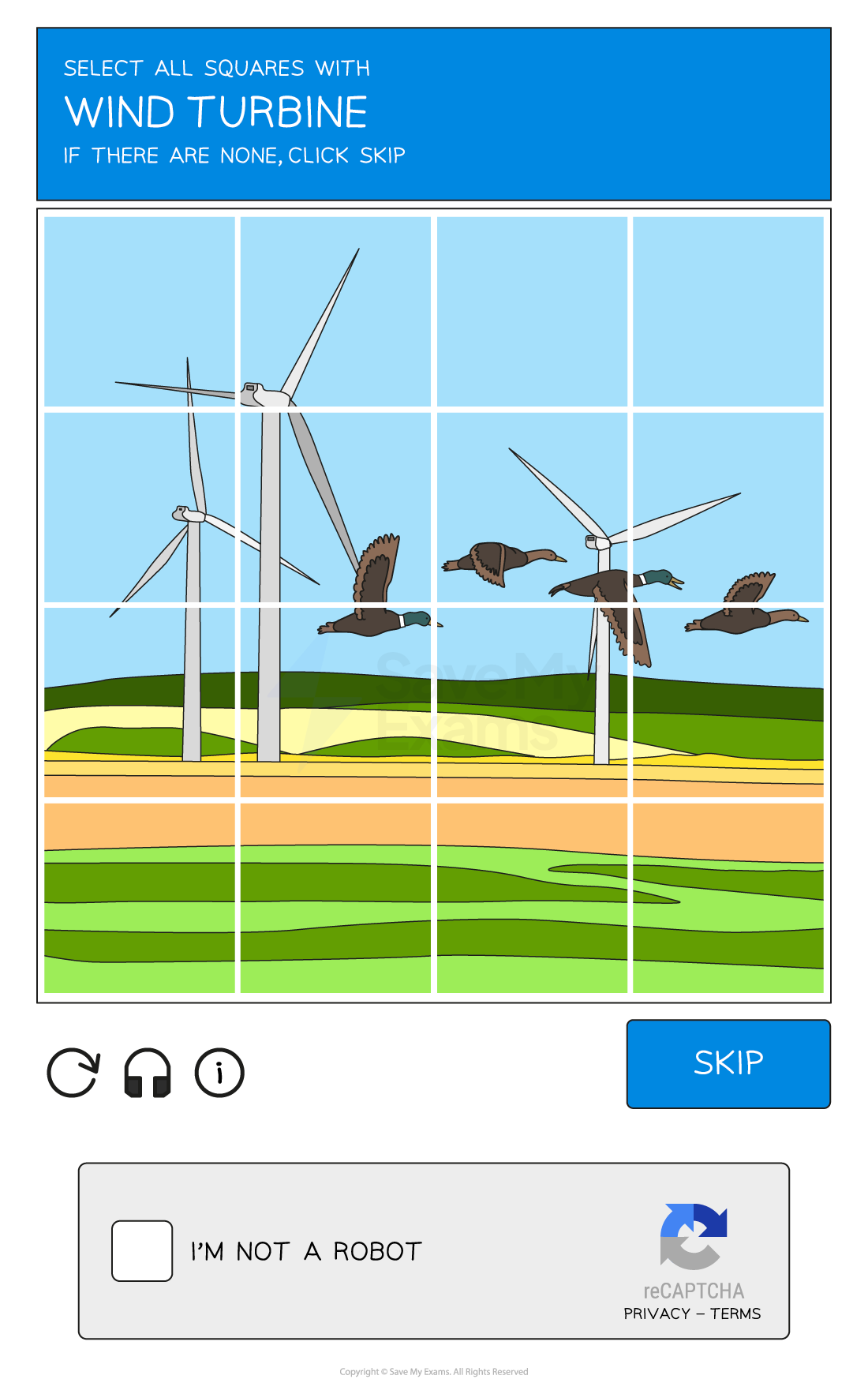
CAPTCHA - see example below
Biometrics
Biometrics use biological data for authentication by identifying unique physical characteristics of a human such as fingerprints, facial recognition, or iris scans
Biometric authentication is more secure than using passwords as:
A biometric password cannot be guessed
It is very difficult to fake a biometric password
A biometric password cannot be recorded by spyware
A perpetrator cannot shoulder surf to see a biometric password
Automating Software Updates
Automating Software Updates
What are automatic software updates?
Automatic software updates take away the need for a user to remember to keep software updated and reduce the risk of software flaws/vulnerabilities being targeted in out of date software
Automatic updates ensure fast deployment of updates as they release
Communication
Communication
What is communication?
One way of protecting data is by monitoring digital communication to check for errors in the spelling and grammar or tone of the communication
Phishing scams often involve communication with users, monitoring it can be effective as:
Rushed - emails and texts pretending to be from a reputable company are focused on quantity rather than quality and often contain basic spelling and grammar errors
Urgency - emails using a tone that creates panic or makes a user feel rushed is often a sign that something is suspicious
Professionalism - emails from reputable companies should have flawless spelling and grammar
URL
URL
How to check a URL?
Checking the URL attached to a link is another way to prevent phishing attacks
Hackers often use fake URLs to trick users into visiting fraudulent websites
e.g. http://amaz.on.co.uk/ rather than http://amazon.co.uk/
If you are unsure, always check the website URL before clicking any links contained in an email
Firewalls
Firewalls
What is a firewall?
A firewall monitors incoming and outgoing network traffic and uses a set of rules to determine which traffic to allow
A firewall prevents unwanted traffic from entering a network by filtering requests to ensure they are legitimate
It can be both hardware and software and they are often used together to provide stronger security to a network
Hardware firewalls will protect the whole network and prevent unauthorised traffic
Software firewalls will protect the individual devices on the network, monitoring the data going to and from each computer
What form of attack would this prevent?
Hackers
Malware
Unauthorised access to a network
Privacy Settings
Privacy Settings
What are privacy settings?
Privacy settings are used to control the amount of personal information that is shared online
They are an important measure to prevent identity theft and other forms of online fraud
Users should regularly review their privacy settings and adjust them as needed
Proxy Servers
Proxy Servers
What is a proxy server?
A proxy-server is used to hide a user's IP address and location, making it more difficult for hackers to track them
They act as a firewall and can also be used to filter web traffic by setting criteria for traffic
Malicious content is blocked and a warning message can be sent to the user
Proxy-servers are a useful security measure for protecting against external security threats as it can direct traffic away from the server
SSL
SSL
What is SSL?
Secure Socket Layer (SSL) is a security protocol which is used to encrypt data transmitted over the internet
This helps to prevent eavesdropping and other forms of interception
SSL is widely used to protect online transactions, such as those involving credit card information or other sensitive data
It works by sending a digital certificate to the user’s browser
This contains the public key which can be used for authentication
Once the certificate is authenticated, the transaction will begin