Universal Serial Bus (USB)
Universal Serial Bus (USB)
Universal Serial Bus (USB)
What is USB?
The Universal Serial Bus (USB) is a widely used standard for transmitting data between devices
It is a serial communication method, and it operates asynchronously
Many devices use USB such as:
Keyboards
Mice
Video cameras
Printers
Portable media players
Mobile phone
Disk drives
Network adapters
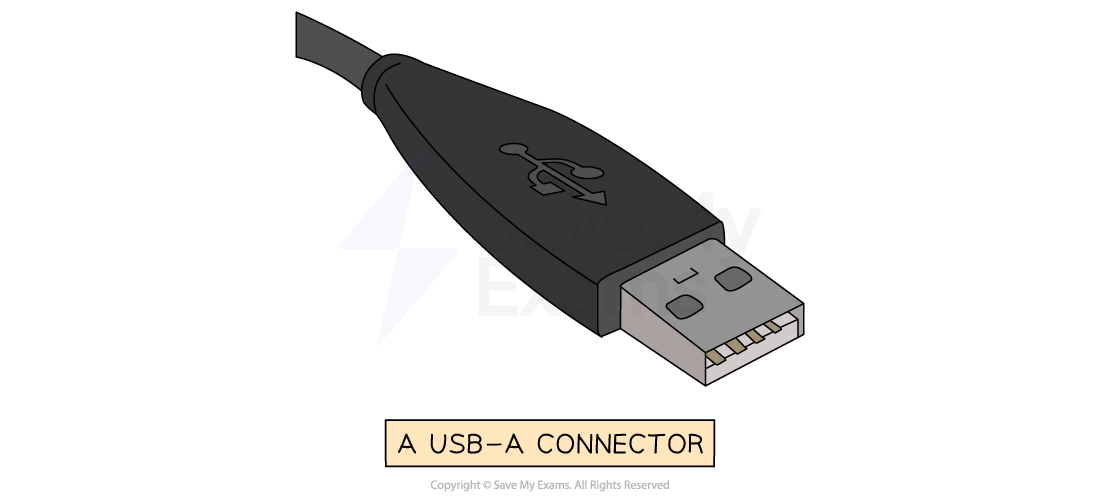
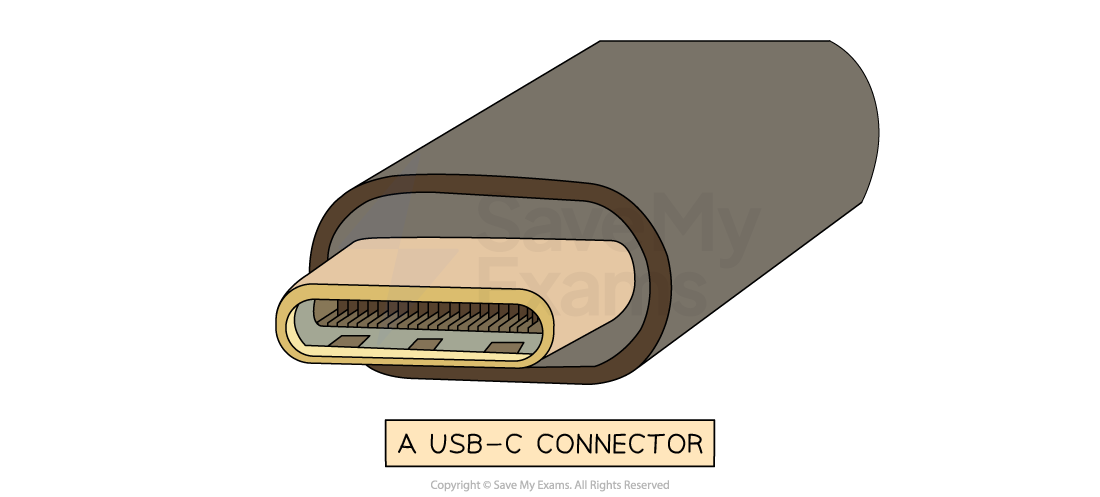
Different USB connector types exist for different devices
The letters refer to the physical shape and design of the USB connector:
USB-A - Commonly used for flash drives, mice, keyboards, external HDD
USB-B - Found in printers, scanners, and older external storage devices
USB-C - Latest standard, known for it's small size, transfer speeds, and it's ability to carry power
The term USB can also be followed by numbers (USB 2.0, 3.0, 4 etc.)
The numbers refer to the generation of USB technology, which determines the speed and performance:
USB 1.1 - 12 Mbps (very slow)
USB 2.0 - 480 Mbps (very common but slower compared to modern versions)
USB 3.0/3.1/3.2 - 5 Gbps to 20 Gbps (much faster, used for external HDDs and gaming devices)
USB4/ USB4 2.0 - Up to 80 Gbps (the latest and fastest, used for high speed data transfer)
When a device is connected to a USB port the computer:
Automatically detects that the device has been connected
Looks for the correct driver:
If the driver is already installed, the appropriate device driver is loaded so that the device can communicate with the computer
If the device is new, the computer will look for a compatible device driver
If one cannot be found, the user must download and install an appropriate driver manually
Advantages and disadvantages of USB
Advantages | Disadvantages |
|---|---|
Devices are automatically detected and drivers are automatically loaded for communication | The maximum cable length is roughly 5 metres meaning it cannot be used over long distances, limiting its use |
Cable connectors fit in only one way. This prevents incorrect connections and ensures compatible data transmission | Older versions of USB have limited transmission rates for example USB 2.0 has 480Mbps |
As USB usage is standardised, there is a lot of support available online and from retailers | Very old USB standards may not be supported in the near future (USB 1.1, USB 2.0, etc) |
Several different data transmission rates are supported. The newest transmission rate as of 2022 is USB4 2.0 with 80 Gbps (81,920 Mbps, 170x faster than USB 2.0) |
|
Newer USB standards are backwards compatible with older USB standards |
|