Rotations
Rotationsvideo
Rotations
What is a rotation?
A rotation turns a shape around a point
This is called the centre of rotation
The rotated image is the same size as the original image
It will have a new position and orientation
If the centre is a point on the original shape then that point is not changed by the rotation
It is called an invariant point
How do I rotate a shape?
STEP 1
Place the tracing paper over page and draw over the original object
STEP 2
Place the point of your pencil on the centre of rotation
STEP 3
Rotate the tracing paper by the given angle in the given direction
The angle will be 90°, 180° or 270°
STEP 4
Carefully draw the image onto the coordinate grid in the position shown by the tracing paper
How do I describe a rotation?
To describe a rotation, you must:
State that the transformation is a rotation
State the centre of rotation
State the angle of rotation
This will be 90°, 180° or 270°
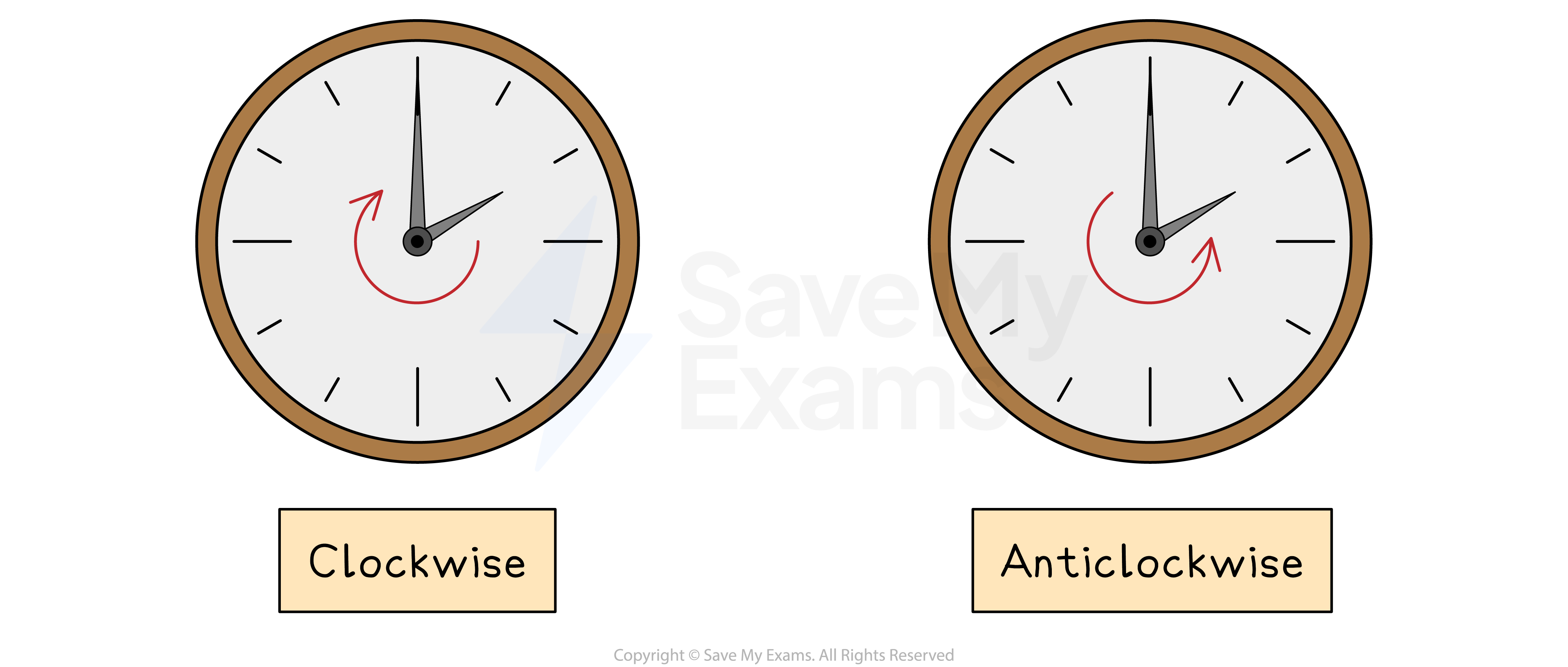
State the direction of rotation
Clockwise or anti-clockwise
A direction is not required if the angle is 180°
90° clockwise is the same as 270° anti-clockwise
To find the centre of rotation:
If the rotation is 90° or 270°
Use tracing paper and start on the original shape
Try a point as the centre and rotate the original shape
If the rotated shape matches the image then that point is the centre
Otherwise keep picking points until one works
If the rotation is 180°
Draw lines connecting each vertex on the original shape with the corresponding vertices on the image
These lines will intersect at the centre of rotation
How do I reverse a rotation?
If a shape has been rotated to a new position, you can perform a single transformation to return the shape to its original position
A rotation can be reversed by simply reversing the direction of rotation
The angle of rotation is the same
The centre of rotation is the same
For a shape rotated by 45º in a clockwise direction about the point (0, 3)
The reverse transformation is
a rotation of 45º
in an anti-clockwise direction
about the point (0, 3)